A USB fan is a small and portable device that’s handy for personal, close-proximity cooling. As the name suggests, it’s powered through a USB connection, such as the one in your computer, a power adapter that you plug into a wall outlet or a portable battery. Some can be self-powered using an internal battery that you recharge — over USB, of course — and, in turn, some of these models can even be used as a portable battery to add some charge to a phone.
Despite their size, USB fans can be powerful, and most offer different speed settings. They won’t cool down an entire room, but they can keep you comfortable when used at a close distance, such as an office desk or bedside table. Best of all, they are inexpensive.
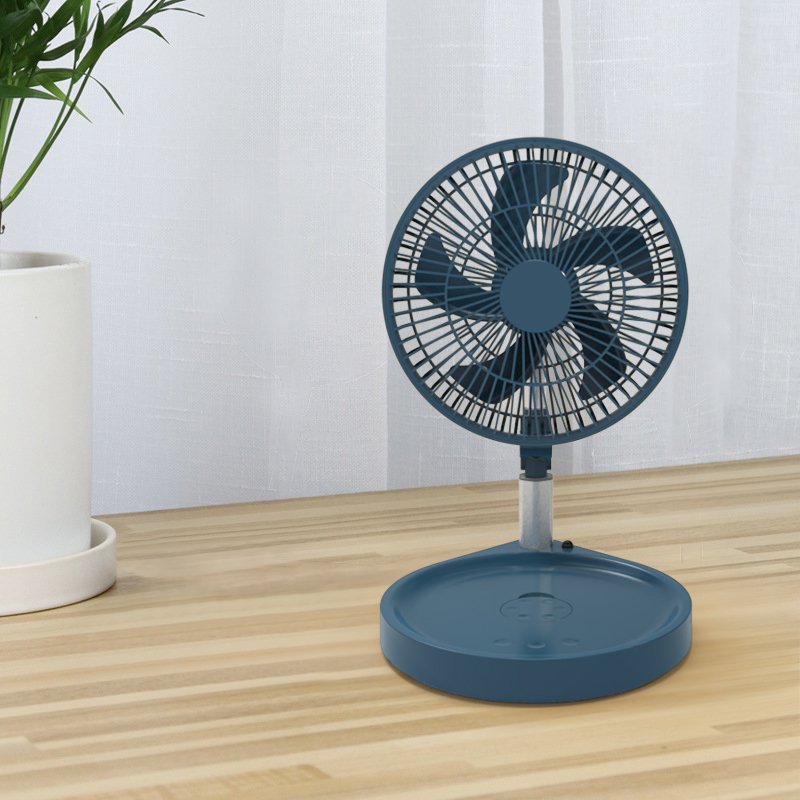
Affordable USB fans are simple to use yet highly effective for personal cooling.
They can be plugged into any USB port for power, whether it’s a laptop computer or wall adapter.
Some include a built-in battery, which makes them portable for on-the-go use.
Even in air-conditioned rooms, small, portable fans are ubiquitous.
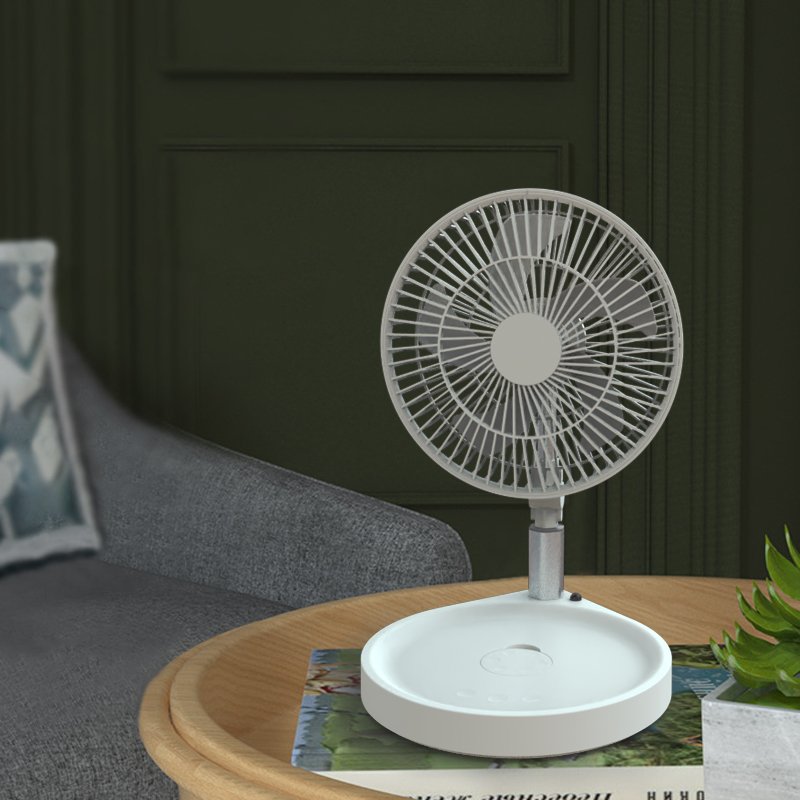
Traditional portable fans are also called stand fans, as they’re supported by an adjustable vertical stand. The fan section uses spinning blades to cool down a room. But bulkier and more prominent than other fan types, like slim and cylindrical tower fans, and designs can be basic.
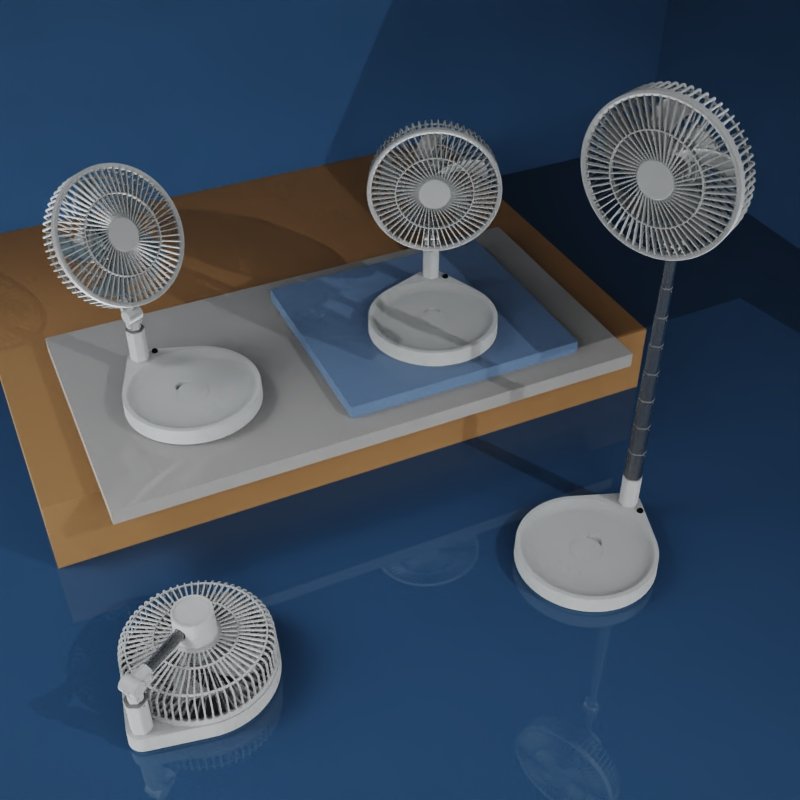
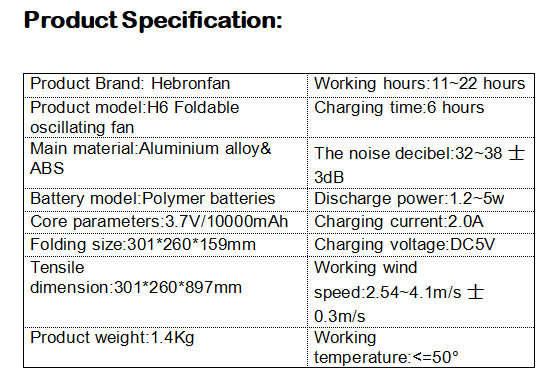
Portable Folding Pedestal Fan H6 (by Hebronfan)
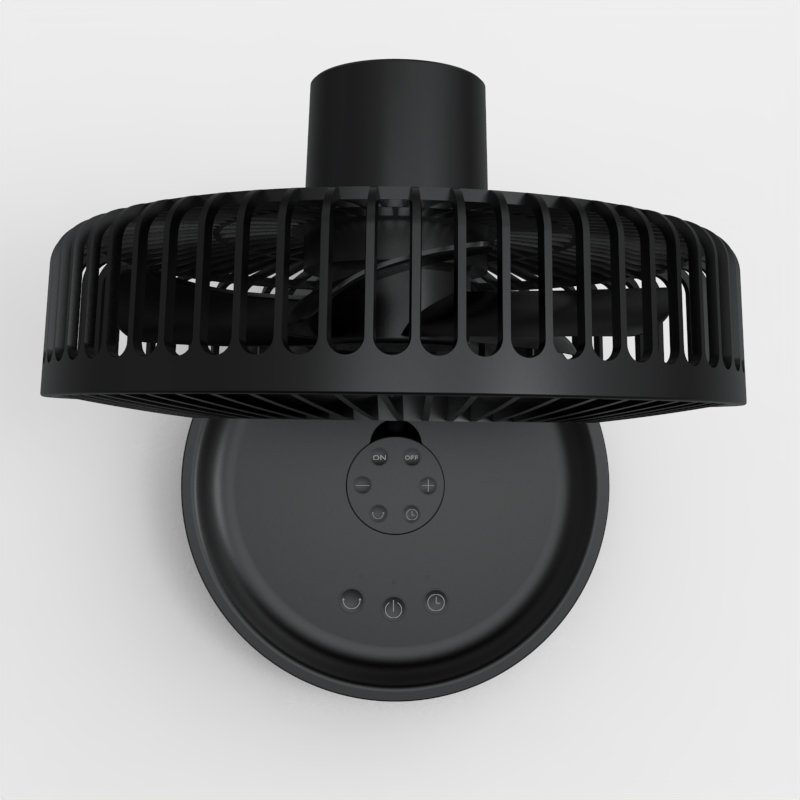

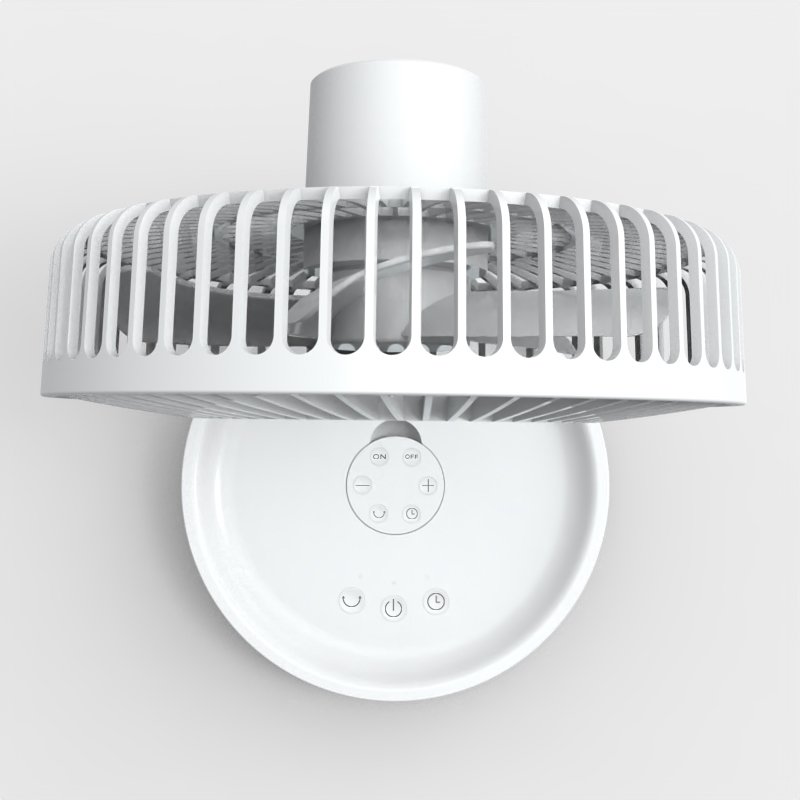
Function Description:
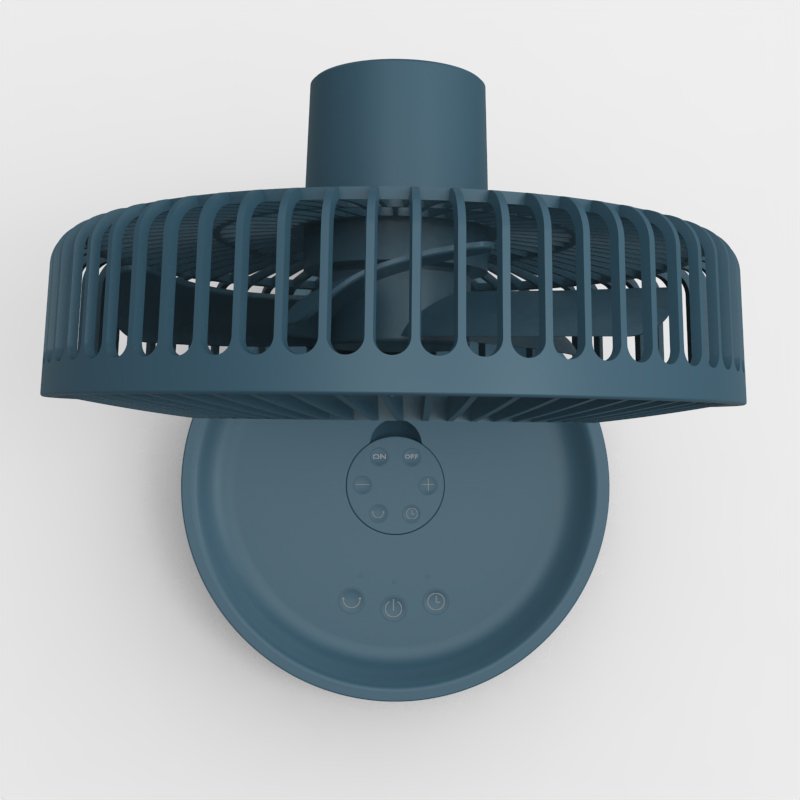
- Gear adjustment function: In off state, click the gear button first time to turn on the fan and a light air at the same time, click the second time for gentle breeze, click the third time for cool breeze,click the fourth time for strong breeze, click the fifth time to shutdown the mode and indicator light will be off.
- Shaking head function: In power on state,click the remote head button to turn on the indicator light and in the meanwhile the shaking function will be on, click the remote head button again to turn off the shaking head function and the indicator light will be off.When the power is off, click the remote head without function.
- Battery power display function: in off state, press the gear button for 3 seconds to display the battery level, three indicator lights will show the power of 30%, 60% and 100%.
- Timing function: in the power-on state, click the timing button once, the upper indicator light flashes once to indicate the timing of 1 hour; click the second time the upper indicator light flashes twice to indicate the timing of 2 hours; click the third time the upper indicator light flashes three times to indicate the timing of 3 hours; click the fourth time the upper indicator light flashes four times to indicate the timing of 4 hours; Click the fifth time’s indicator light will be off and timing function turned off.
- Remote control function: This product is equipped with a 2.4G radio frequency remote controller which can be used normally within 15 meters. There is an open button, shaking control button, timing control button, air volume gear adjustment button on the remote which is convenient for remote control.
- Charging function:TYPE-C charging port design using the conventional 5V / 2A USB charging cable for charging. During charging, the charging indicator light will keep in red until full charging the indicator light will be green. With the function of power bank which can charge electronic appliances such as mobile phone and tablet.

